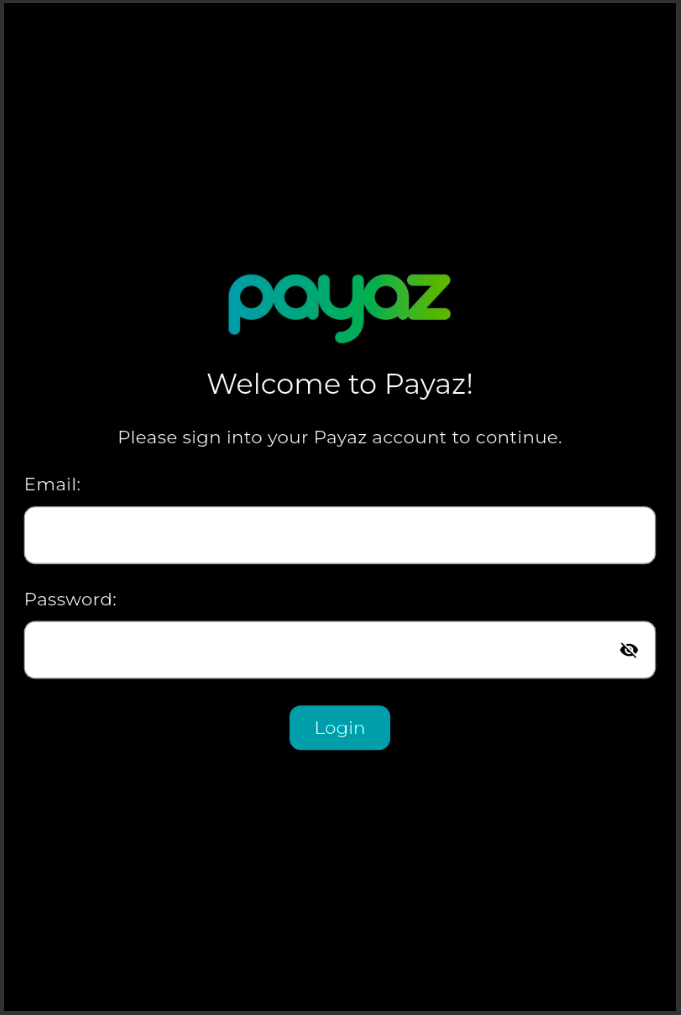
Step 1: First start by opening the Payaz App on your device. When the applications opens you will be presented with a log in screen. Log in using the email address and password registered with your online account. If you have not yet registered for an account you can do so by going to the follow link: https://app.payaz.software/signup
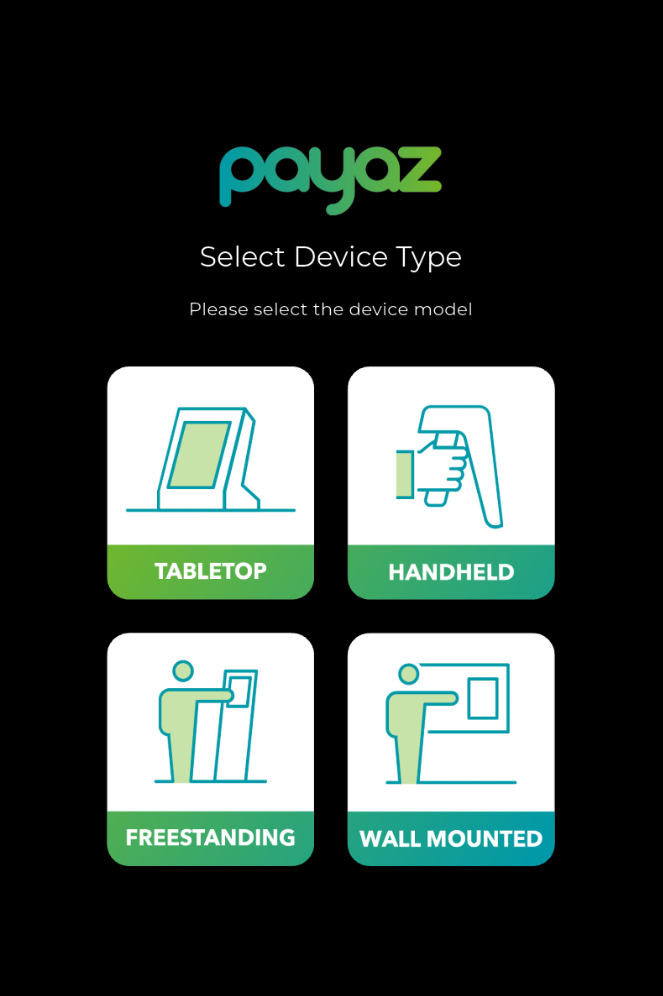
Step 2: When you have logged in for the first time on the device you will be asked to select the Payaz product that you are trying to register. Click the option that is applicable to you
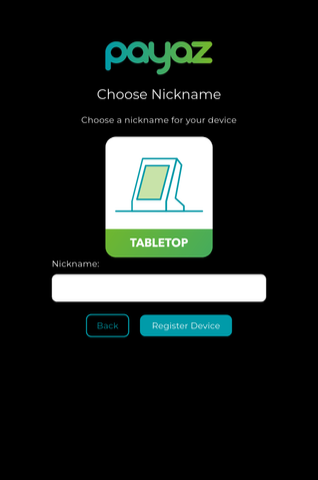
Step 3: Give your device a name that you find fitting
You will then see a notification confirming that your device has been registered successfully
Was this article helpful?
That’s Great!
Thank you for your feedback
Sorry! We couldn't be helpful
Thank you for your feedback
Feedback sent
We appreciate your effort and will try to fix the article