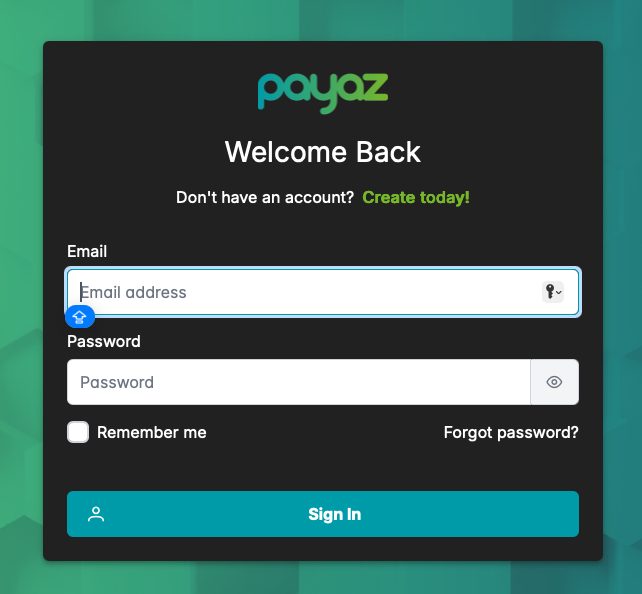
Step 1: Start by logging on to the online portal at https://app.payaz.software/signin using the registered email address and password.
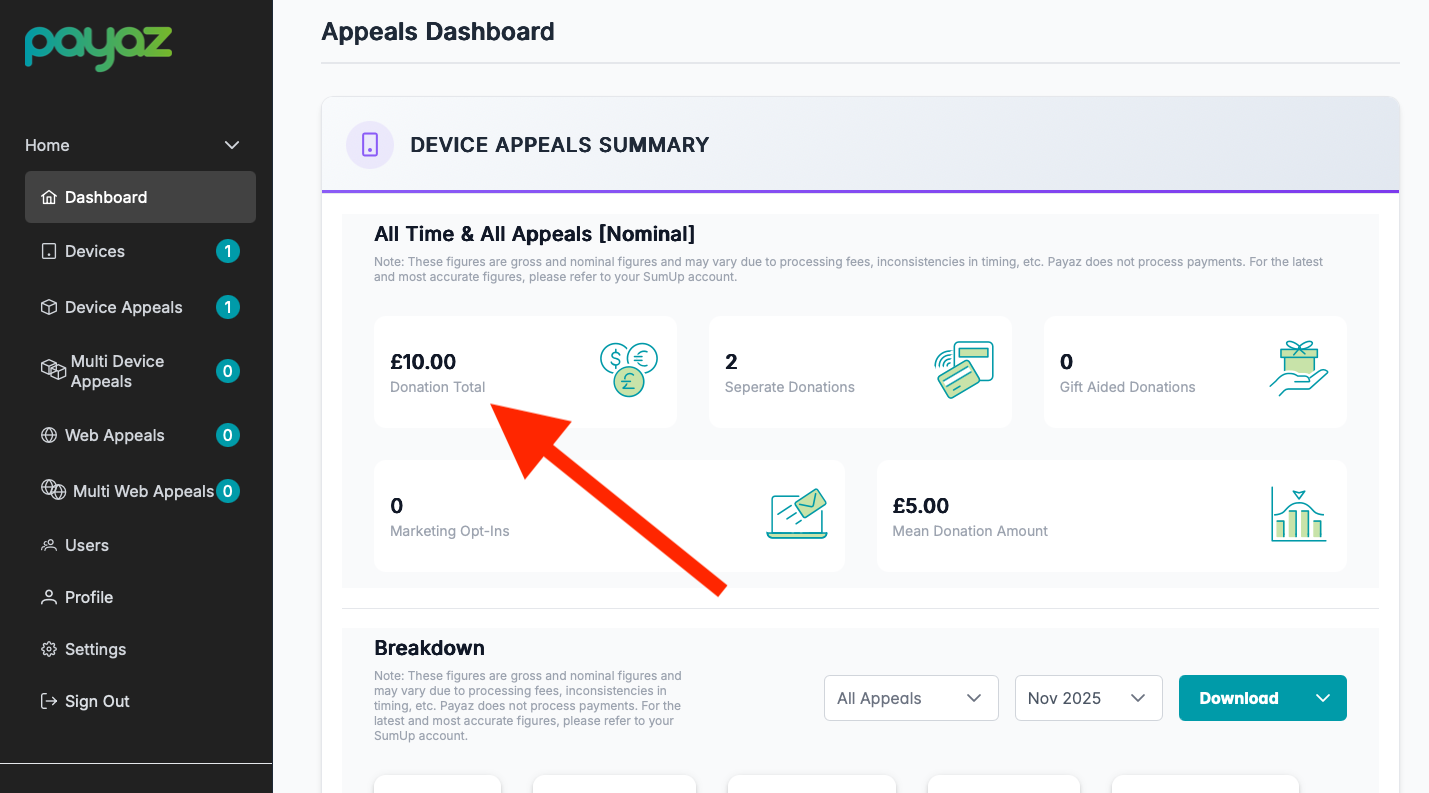
Step 2: Once you have logged in you will be redirected to the dashboard. To see the amount raised from the device appeals it will be in the top section labeled "Device Appeals Summary". The total amount will be shown under the title "Donation Total" & to see the amount raised from web appeals if you scroll on down the page to the section titled "Web Appeals Summary" it will also be listed under the label "Donation Total"
Was this article helpful?
That’s Great!
Thank you for your feedback
Sorry! We couldn't be helpful
Thank you for your feedback
Feedback sent
We appreciate your effort and will try to fix the article